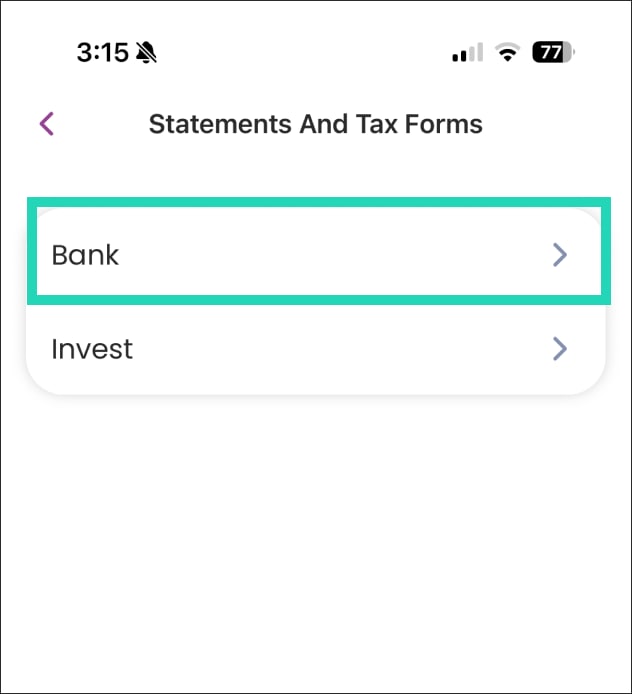
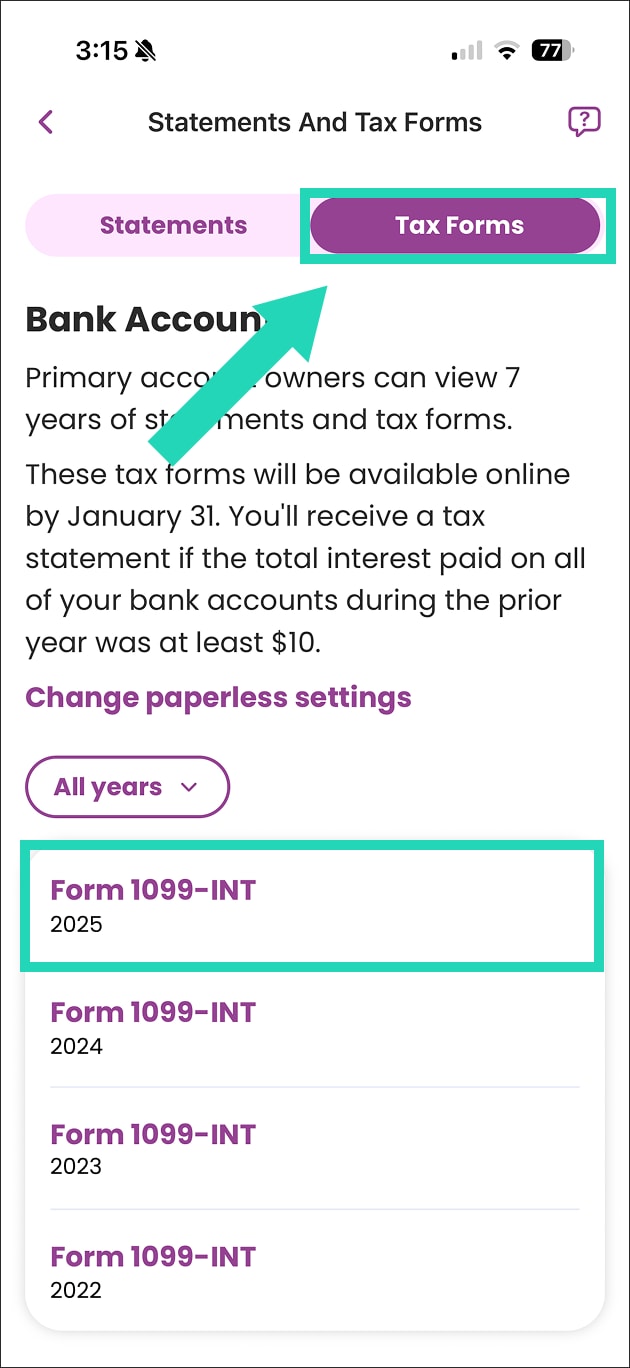
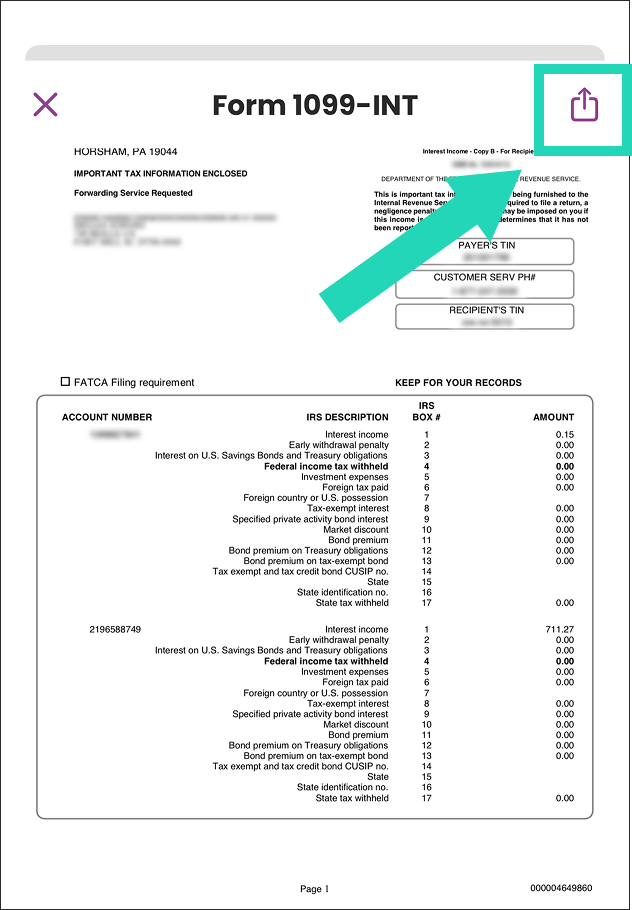
How to print your Ally Bank tax forms.
Access your tax forms online, right from your account.


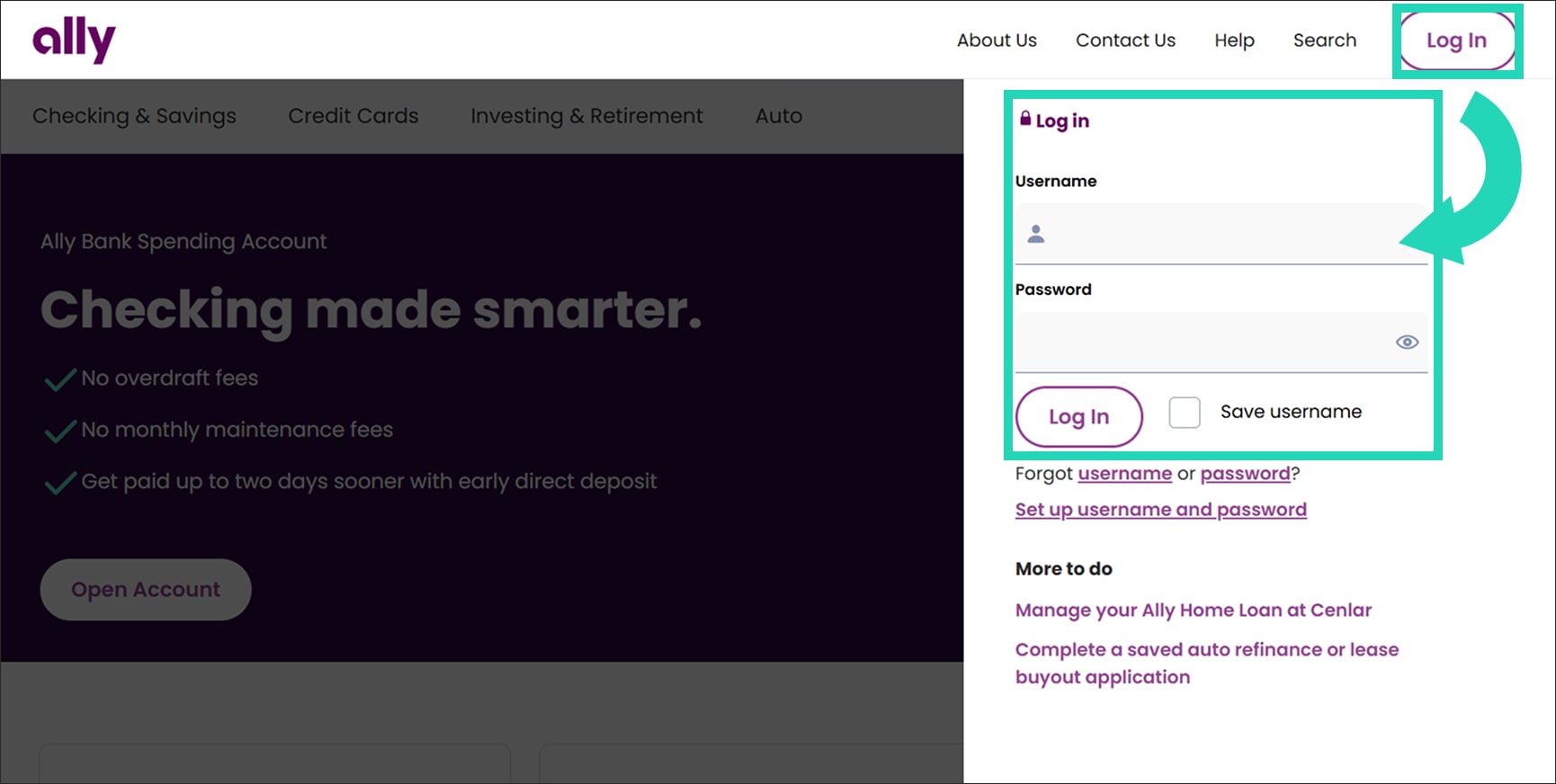
Enroll in online services if you haven’t already, then log in to your account on ally.com.

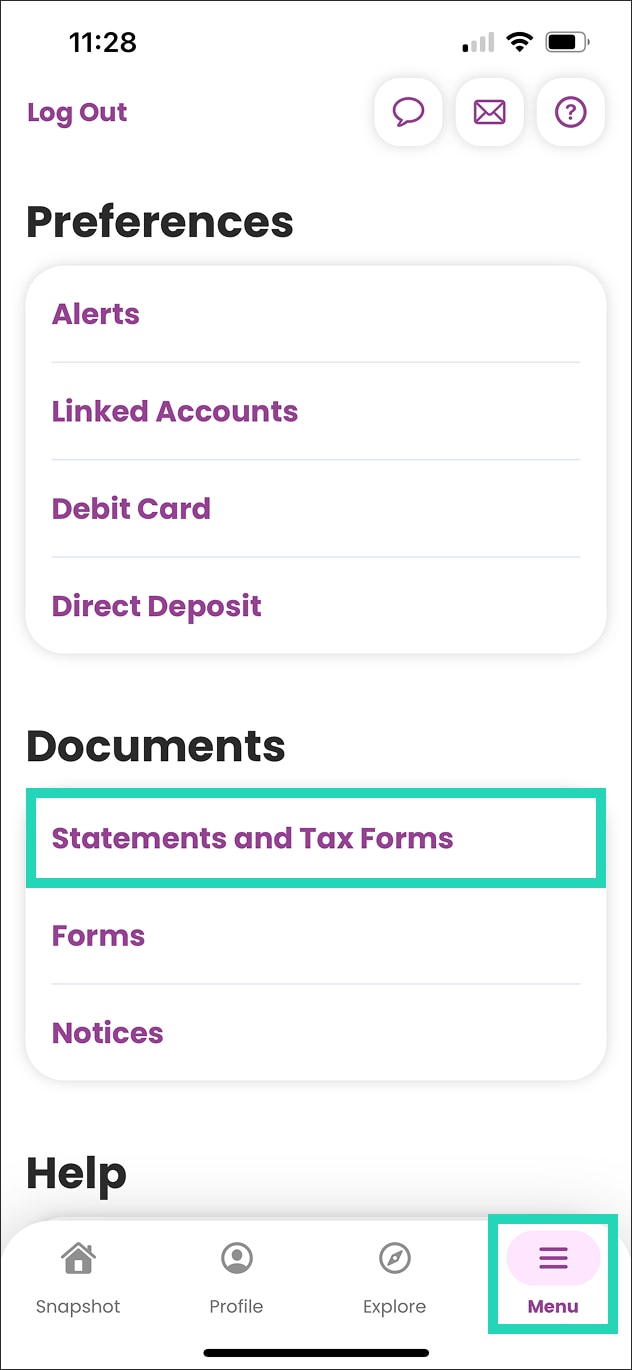
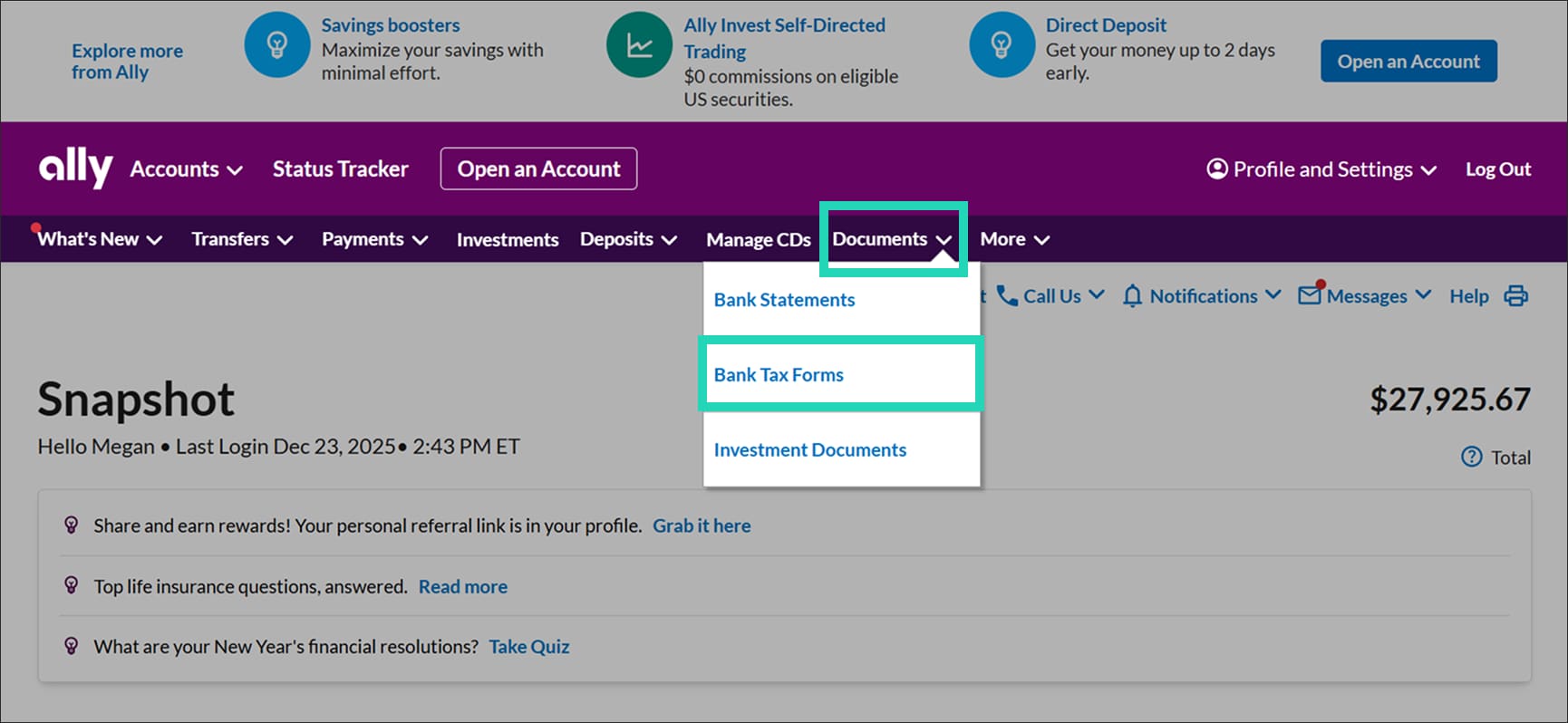
Select Documents then choose Bank Tax Forms.

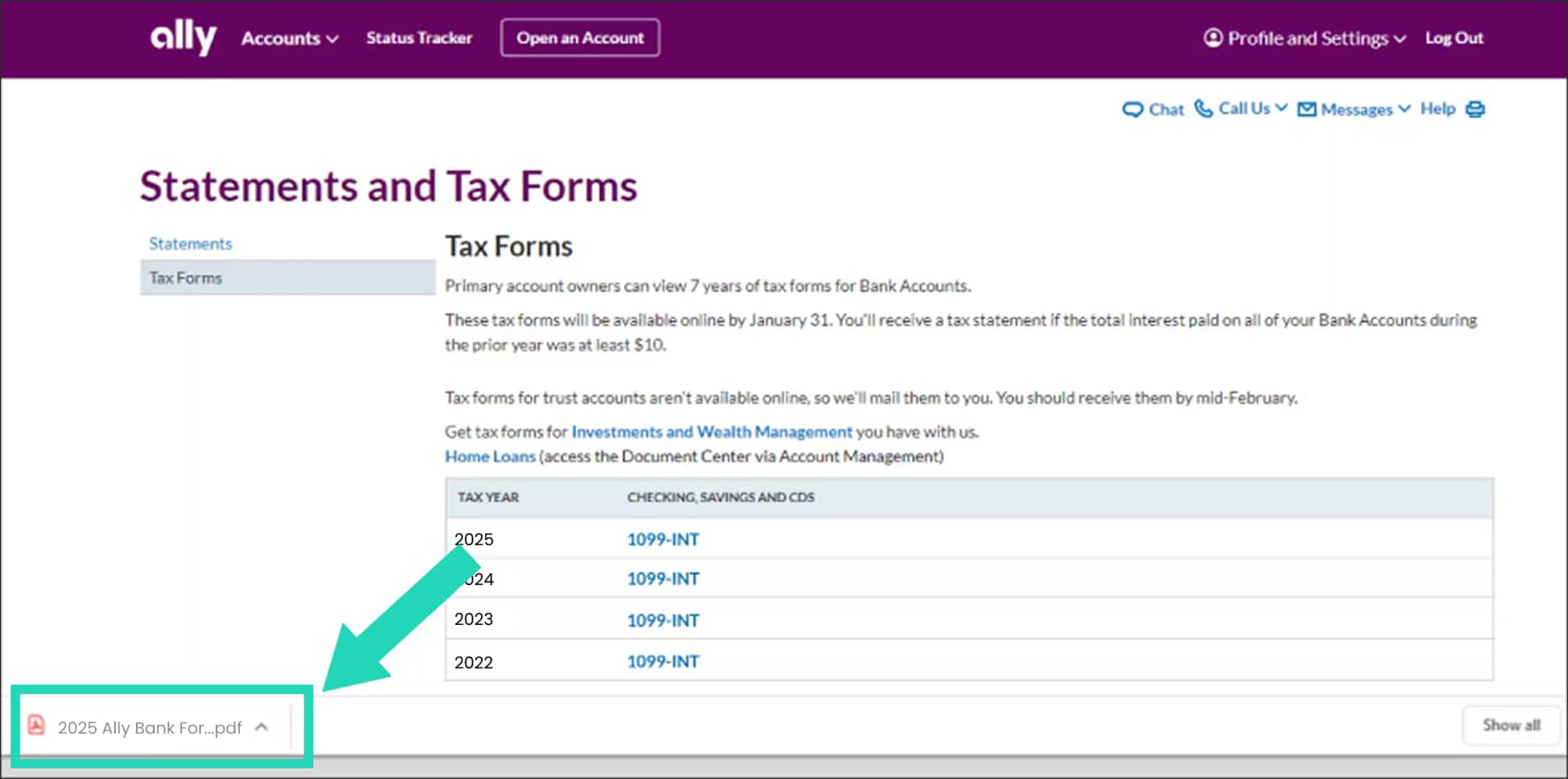
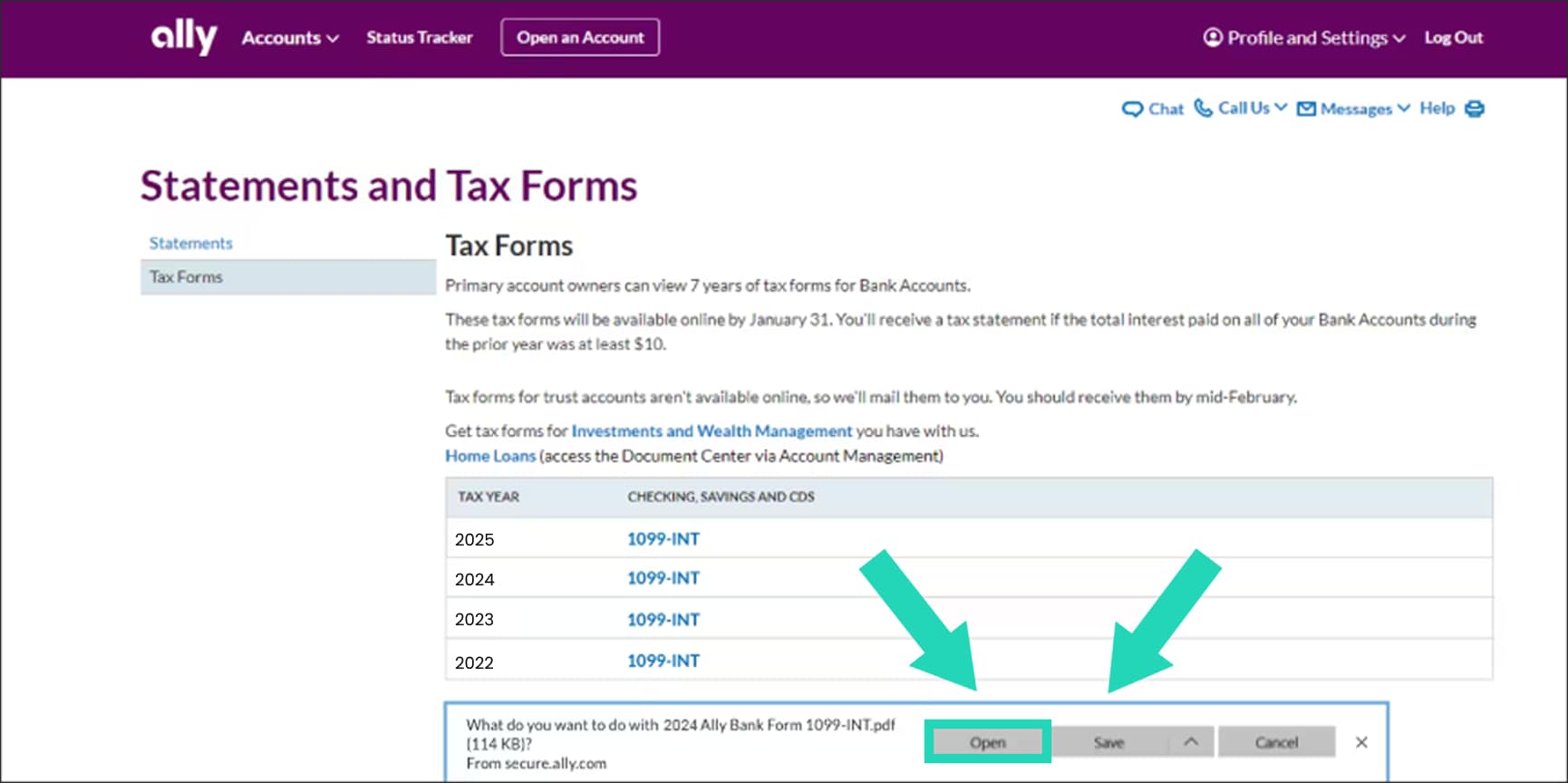
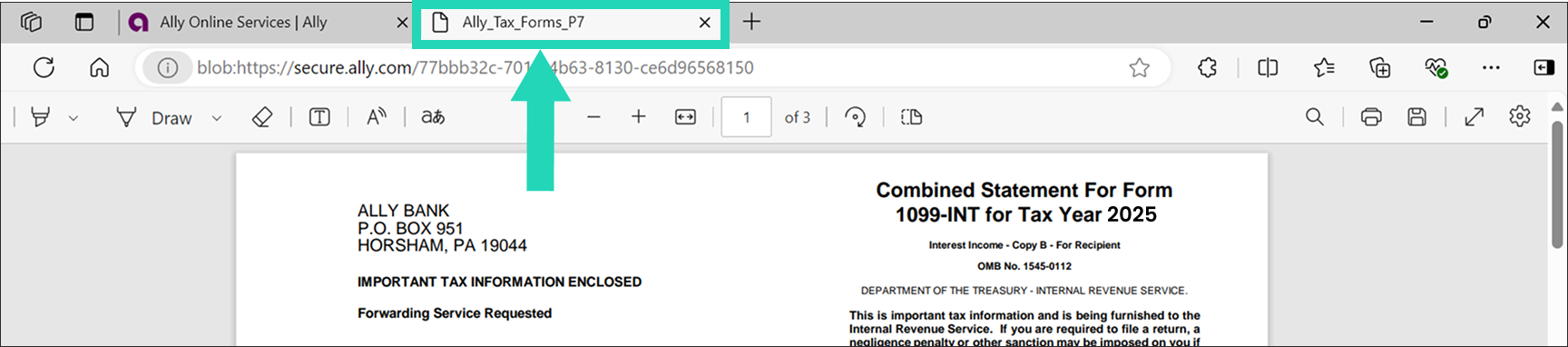
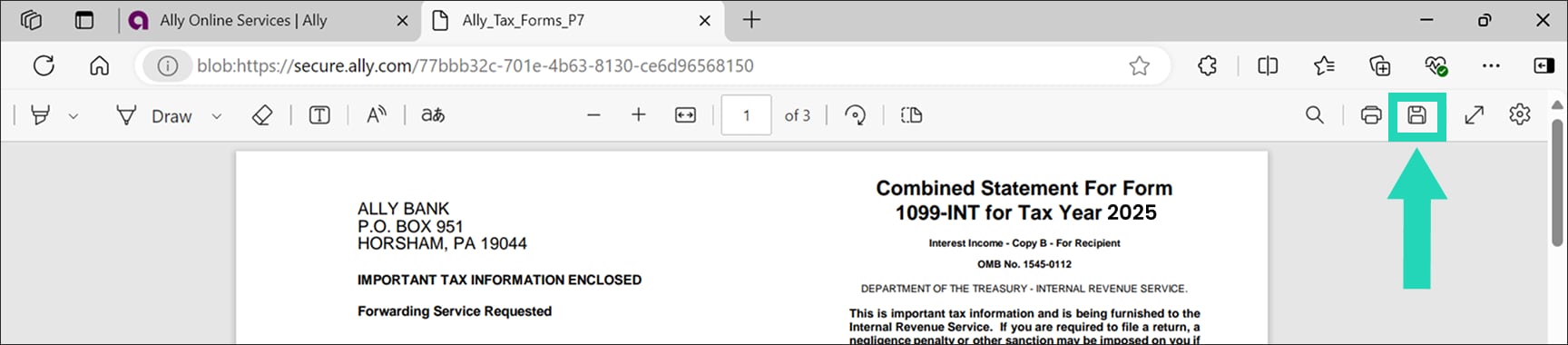
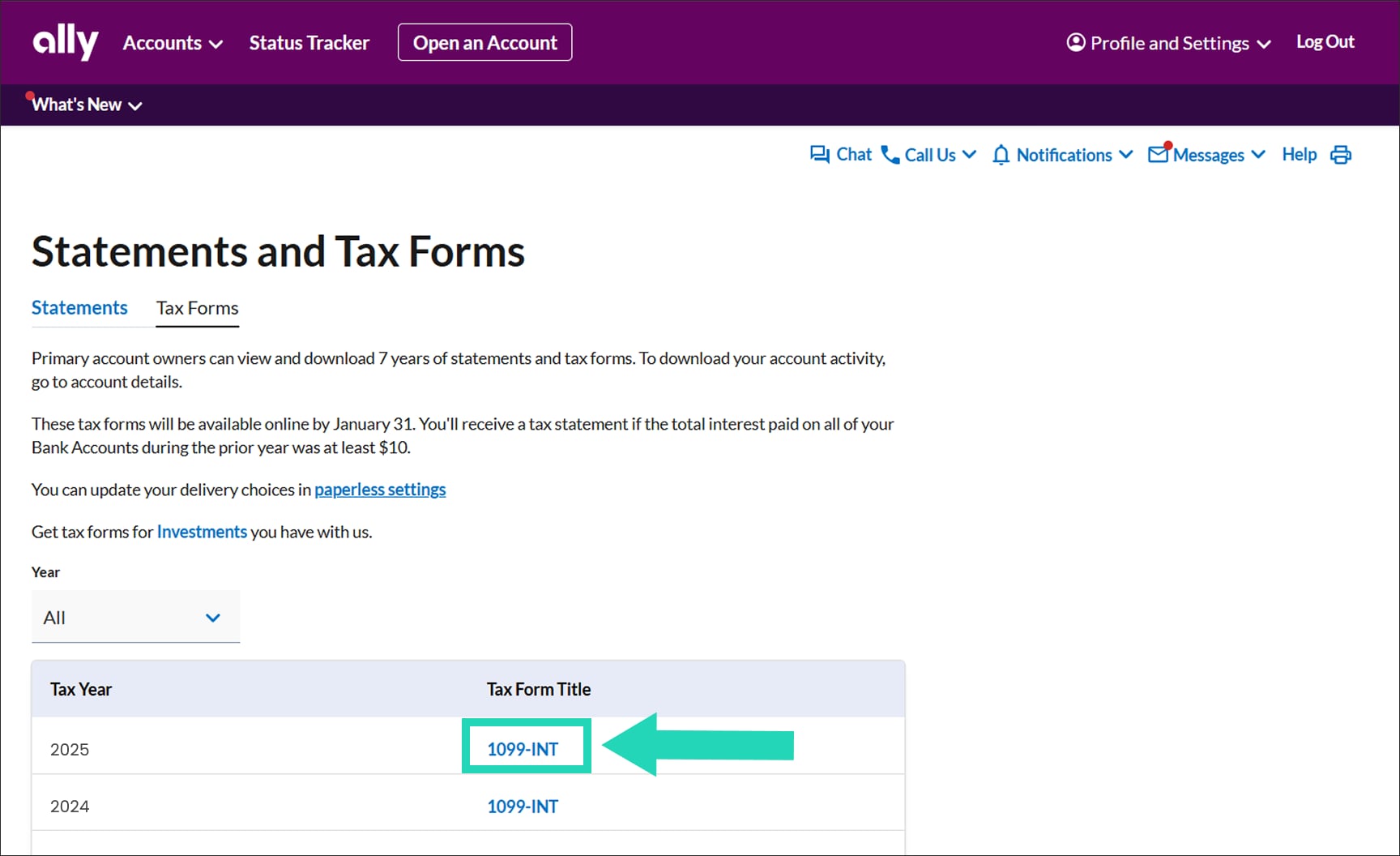
Choose a tax form to download it to your device.

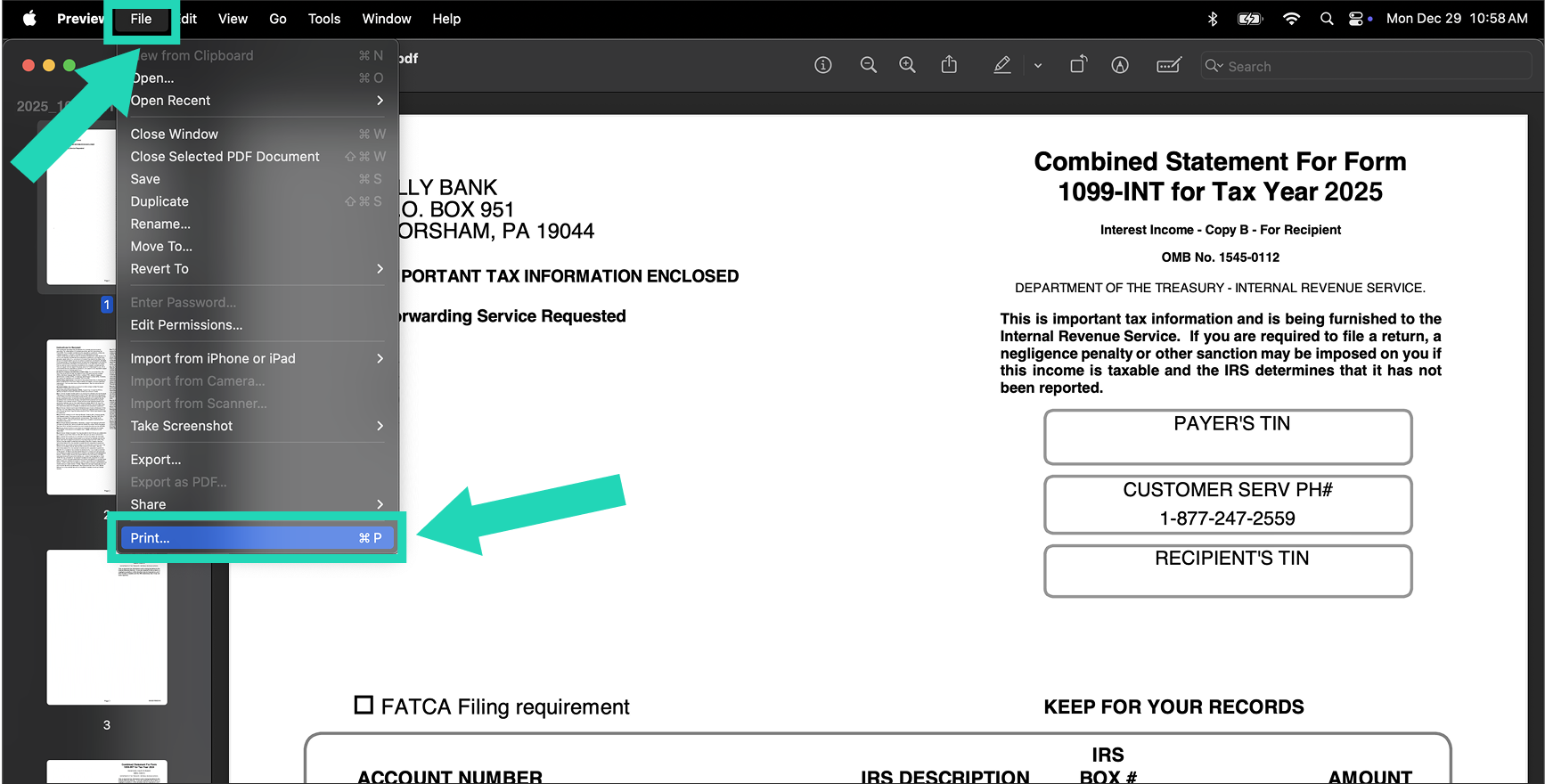
Select your browser to view instructions for step 4.
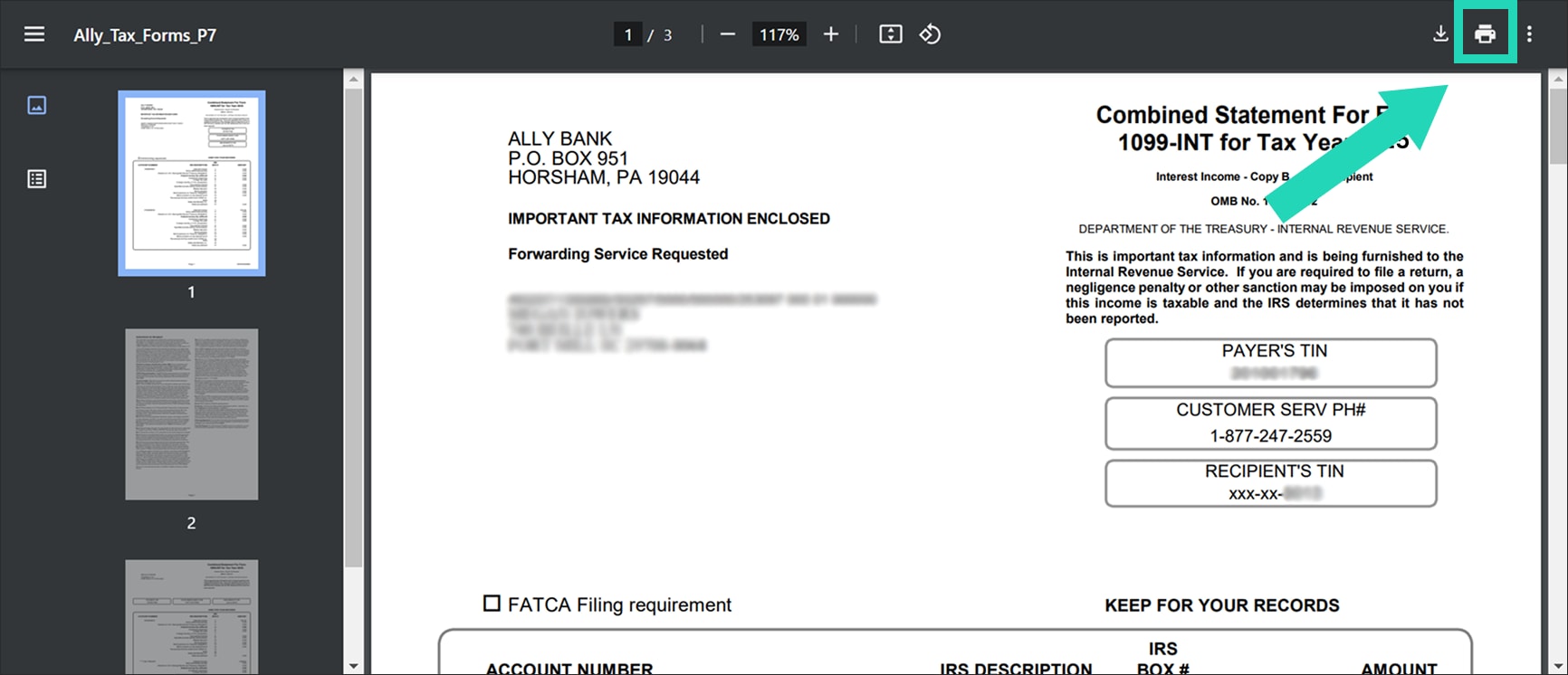
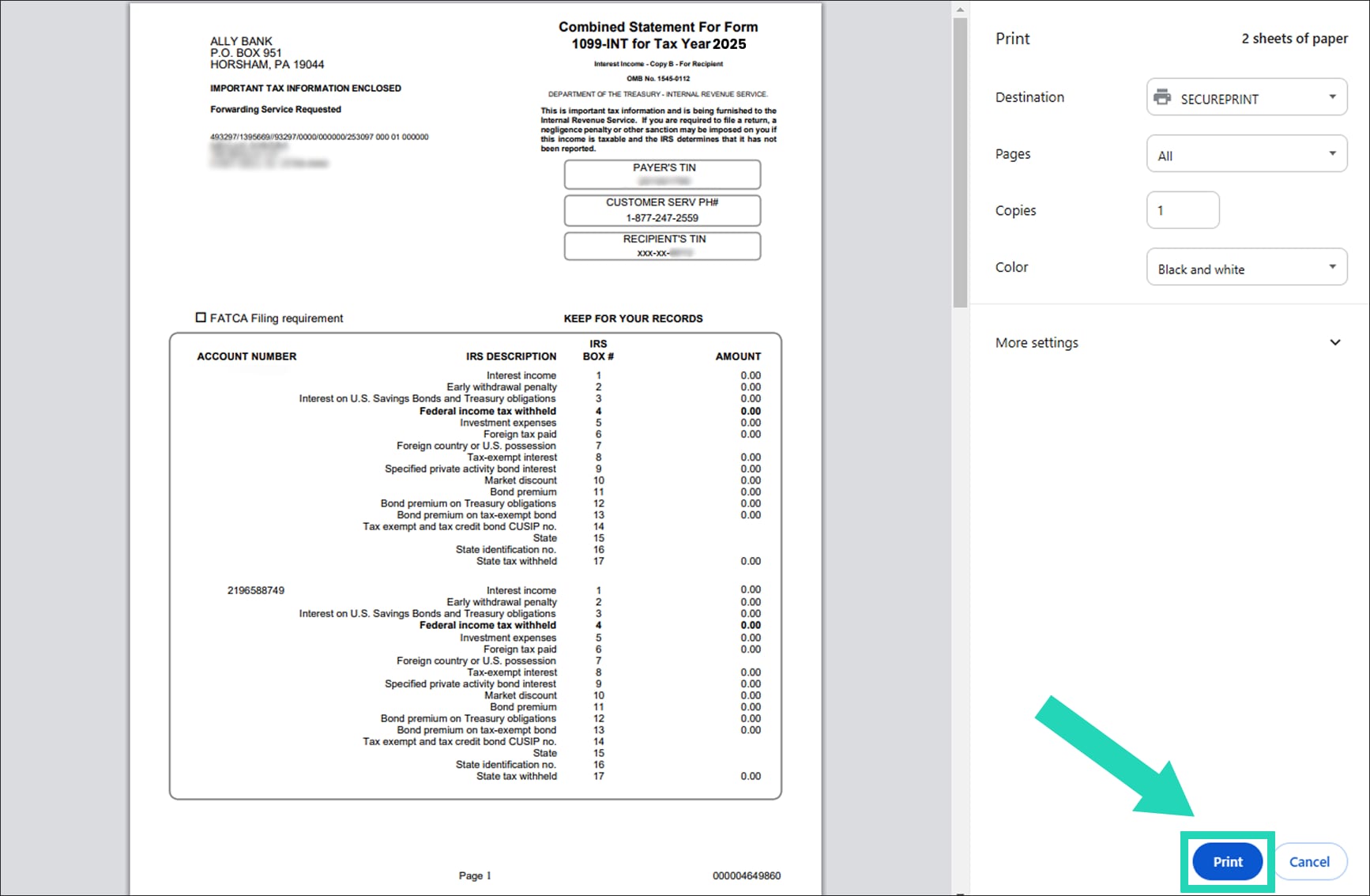
Open the downloaded document to view, then select anywhere on the page to reveal a submenu. Choose the printer icon on the submenu to print.